
OnlyFans is a subscription platform where creators share content and fans pay to access it. It’s best known for adult creators, but it also hosts fitness, lifestyle, modeling, and other niches. If you’ve never used it before, the experience can feel confusing: subscriptions, locked posts, messages, tips, bundles—what do you actually get, and what do you pay for?
This guide breaks down how OnlyFans works in 2026 in plain English—both for fans and for creators—so you know what to expect before spending money (or before trying to earn it).

What is OnlyFans, exactly?
OnlyFans is a membership-based platform. Each creator has a profile page where they can post content and interact with subscribers. Think of it like a paid social feed: you follow creators you like, and your access depends on what you’ve paid for.
Important note: OnlyFans is 18+ and has rules about allowed content. You’ll typically see creators label what they share (e.g., fitness shoots, glamour, behind-the-scenes). Your best move is to read the profile bio and pinned posts before subscribing.
How OnlyFans works for fans (subscribers)
1) Create an account and set up payment
You sign up, confirm your details, and add a payment method. Access to paid content requires a valid payment setup.
2) Find creators
Fans usually discover creators through:
- Social media (X, Instagram, TikTok)
- Direct links from a creator’s website
- Directories and curated collections
Tip: Prioritize verified official links to avoid impersonators.
3) Subscribe (recurring access)
A subscription usually gives you access to:
- The creator’s subscriber feed (posts visible to subscribers)
- The ability to message the creator (depending on settings)
Subscriptions are typically recurring until you turn off renewal. If you’re trying a creator for the first time, look for a bundle or a limited promo price if it’s available.
4) Understand what’s included vs. what’s extra
This is where many first-time fans get surprised. Even after subscribing, you may still see:
- Locked posts (PPV) inside the feed
- Locked messages (PPV) sent via DMs
- Paid custom requests (if a creator offers them)
Creators choose their own structure. Some keep most content included in the subscription; others use a lower subscription price and monetize more through PPV.
5) Messages, tips, and requests
- Messages (DMs) can be used for updates, promos, or conversation (varies by creator).
- Tips are optional and may be used to show support.
- Some creators accept requests; others don’t—always check pinned posts/FAQ first.
6) Privacy basics for fans
Fans often care about discretion. Your username doesn’t need to be your real name, but payment records exist through your bank/provider. If privacy matters:
- Use a dedicated email
- Keep your profile minimal
- Avoid reusing public social usernames
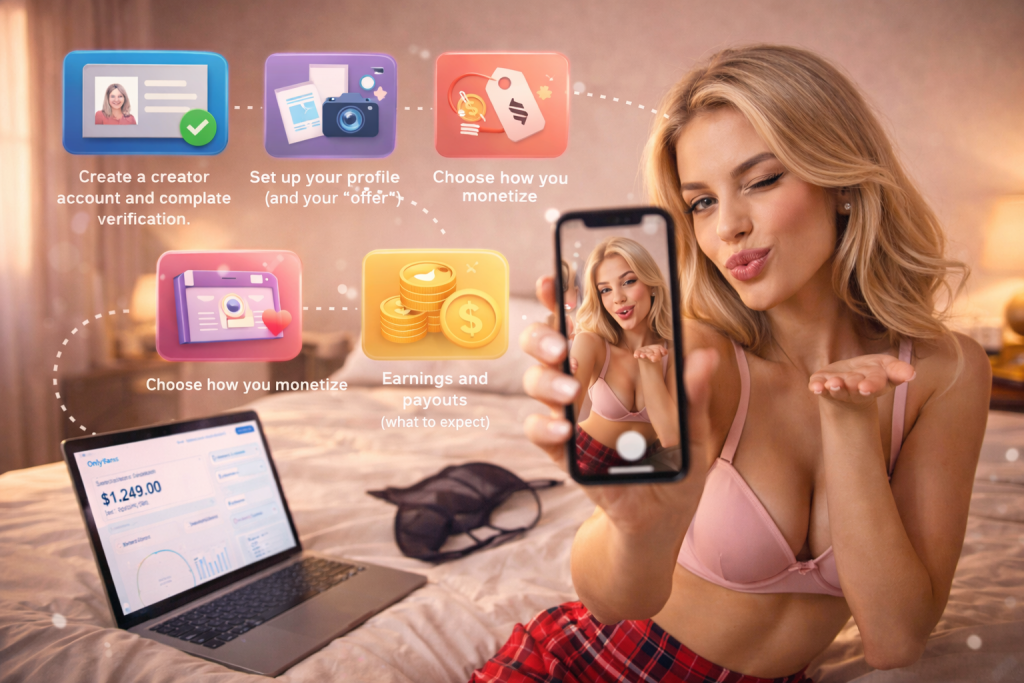
How OnlyFans works for creators
1) Create a creator account and complete verification
To get paid, creators typically go through identity checks and account verification before monetization and payouts are enabled.
2) Set up your profile (and your “offer”)
Creators who convert best make it obvious:
- Their niche (fitness, glamour, lifestyle, etc.)
- What subscribers get (posting frequency, content types)
- What extras they sell (PPV, customs, messaging priorities)
A strong profile often includes a clear bio and a pinned “start here” post explaining pricing and expectations.
3) Choose how you monetize
Creators commonly combine:
- Subscription price (main paywall)
- PPV posts/messages (premium items)
- Tips (support, special access, request flow)
- Promotions/bundles (discounts for longer commitments)
4) Post content and manage the mix
Creators typically balance:
- Feed content (retention)
- PPV drops (revenue spikes)
- DMs (retention and upsells, if done ethically)
A practical weekly plan:
- 2–4 regular posts
- 1–2 premium items (optional)
- A light DM strategy (not spammy)
5) Earnings and payouts (what to expect)
OnlyFans takes a platform fee from creator earnings, and payouts depend on verification, payout setup, and processing timelines. Exact rules can change, so creators should confirm current details inside their account settings.
Creators should also plan for taxes, income tracking, and personal privacy.
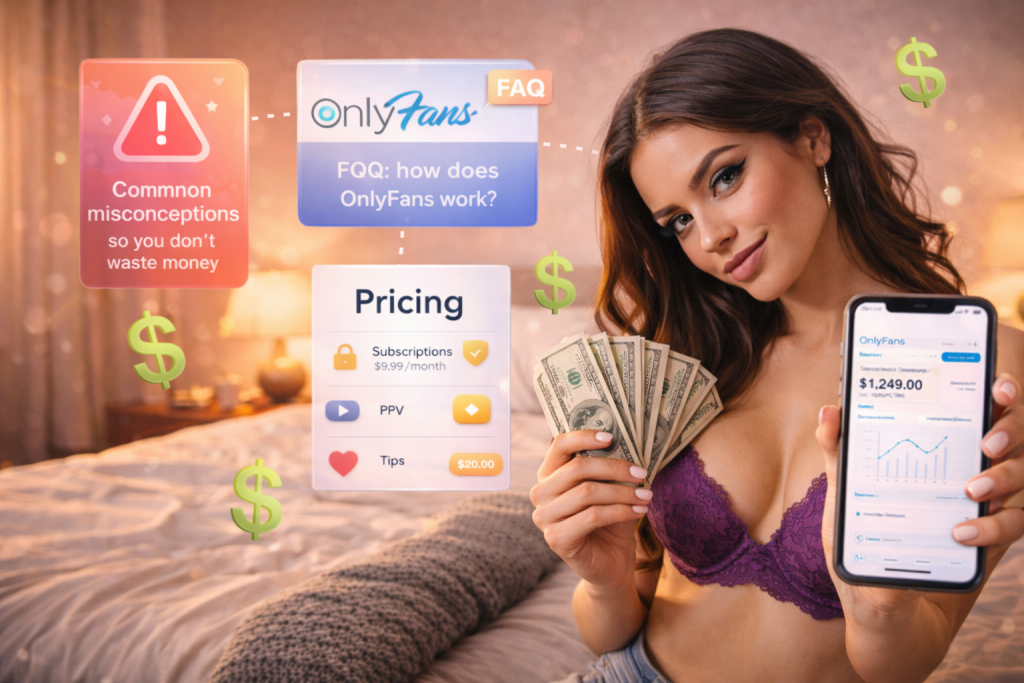
How pricing and payments work (subscriptions, PPV, tips)
The simplest way to think about it:
- Subscription = access layer (recurring)
- PPV = premium unlocks (one-time)
- Tips = optional support (one-time)
Before paying, check:
- Is renewal on by default? (Often yes—turn it off if you’re unsure.)
- Is most content included or paywalled?
- Does the creator post consistently?
- Do they clearly state what they offer?
Common misconceptions (so you don’t waste money)
“If I subscribe, I get everything.”
Not always. Many creators use PPV on top of subscriptions.
“Messaging guarantees replies.”
Messaging is available, but replies depend on the creator’s time and settings.
“All creators offer the same kind of content.”
No. OnlyFans is a platform—creators vary widely. Always read the bio/pinned posts.
FAQ: how does OnlyFans work?
Is OnlyFans free to use?
Creating an account can be free, but paid content requires payment. Some creators may offer free subscriptions with paid PPV.
Can you cancel an OnlyFans subscription?
You can typically stop renewal so it won’t continue billing. Access usually remains until the end of the paid period.
What does PPV mean on OnlyFans?
PPV (pay-per-view) is locked content you pay to unlock—either in the feed or in messages.
Is OnlyFans safe?
It can be, if you use verified links, keep your account privacy settings sensible, and understand what you’re paying for. Creators should follow platform rules and protect personal information.